


WesAudio
Wes Audio ngOmniBox
Wes Audio ngOmniBox
SX Pro Warehouse
SX Pro, Unit 5 Focal Point
Lacerta Court
Letchworth Garden City SG6 1FJ
United Kingdom


Omni Capital Finance Calculator
Choose options
Omni Capital Finance Calculator
Omni Capital Finance Calculator
Product overview
A complete analogue mix and mastering chain, with instant recall
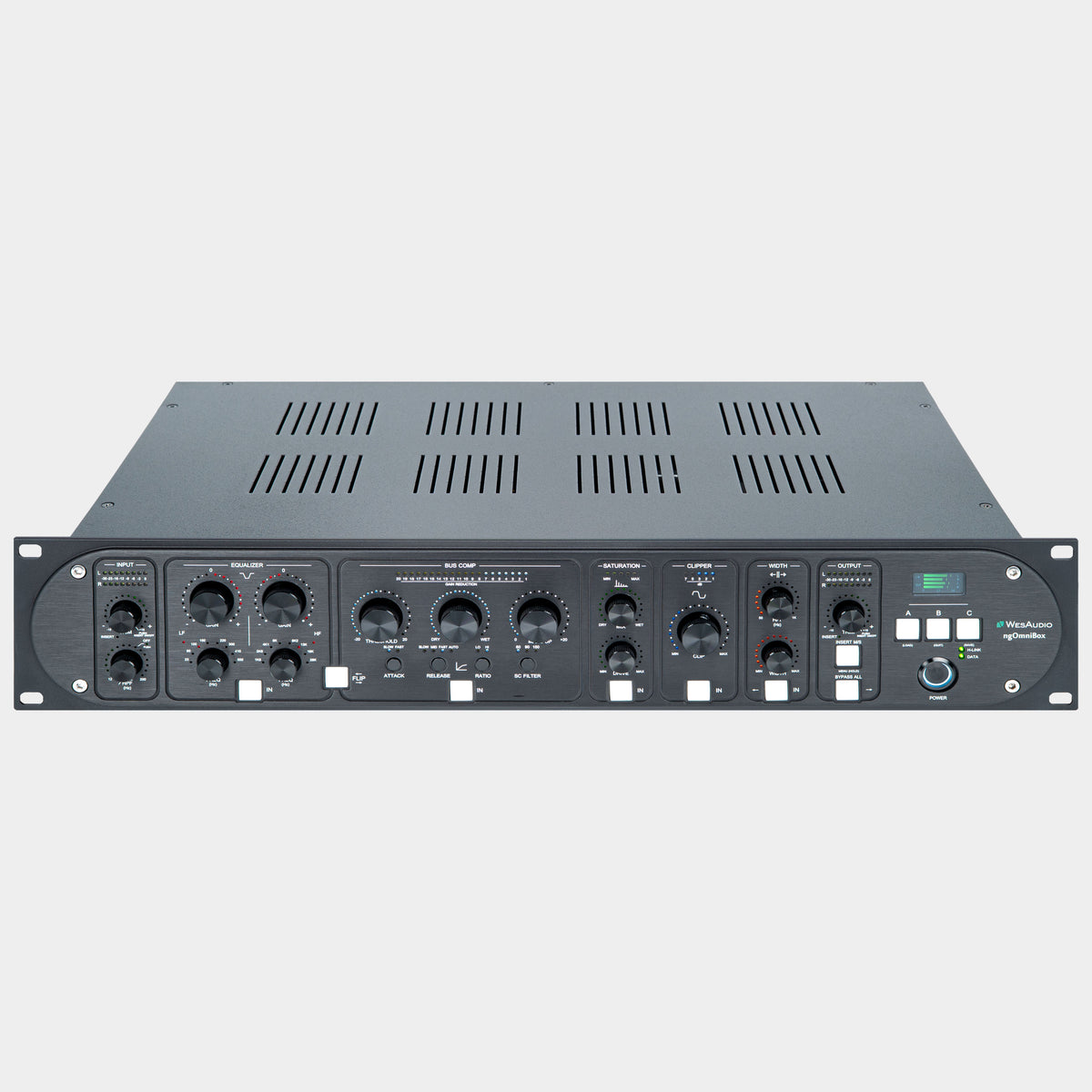
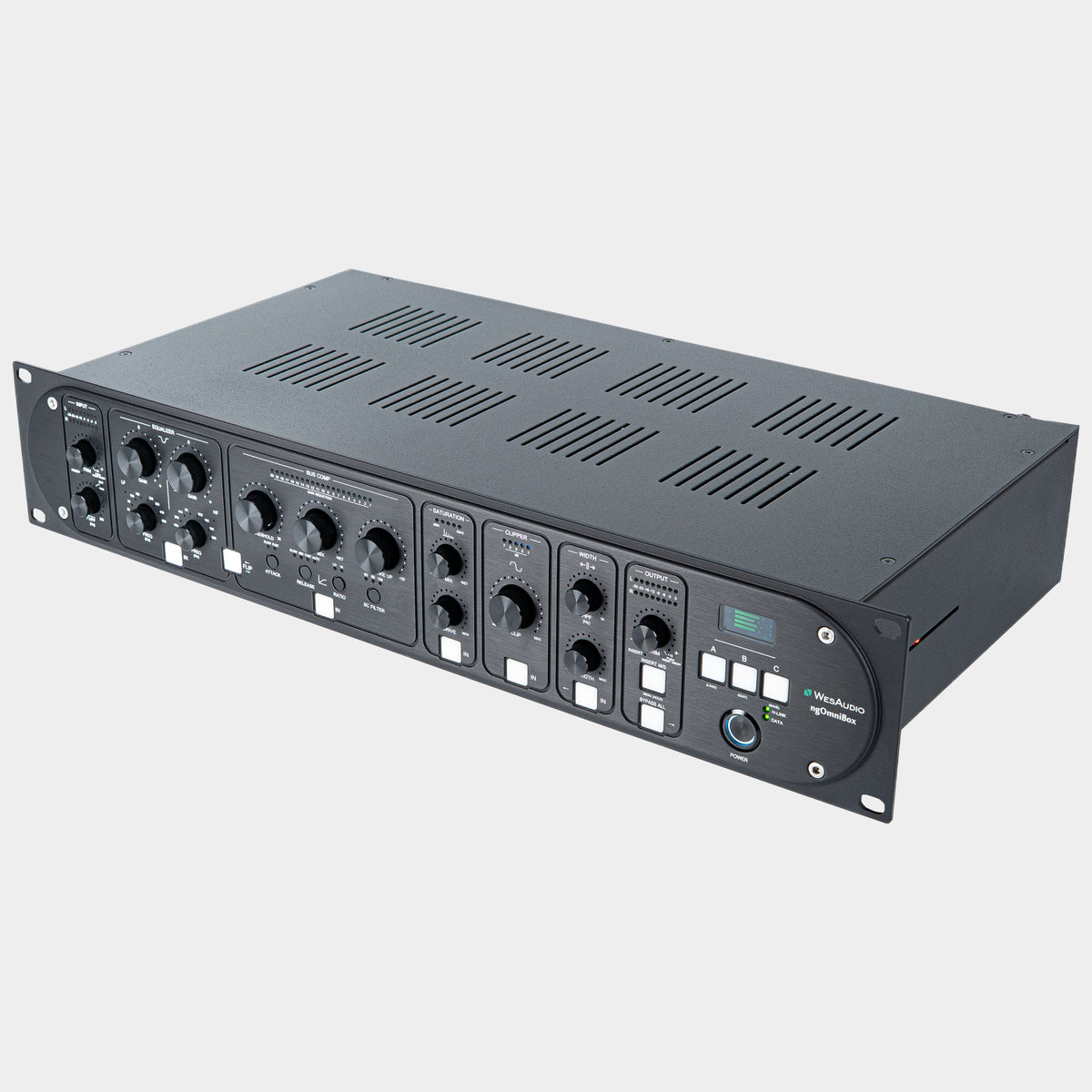
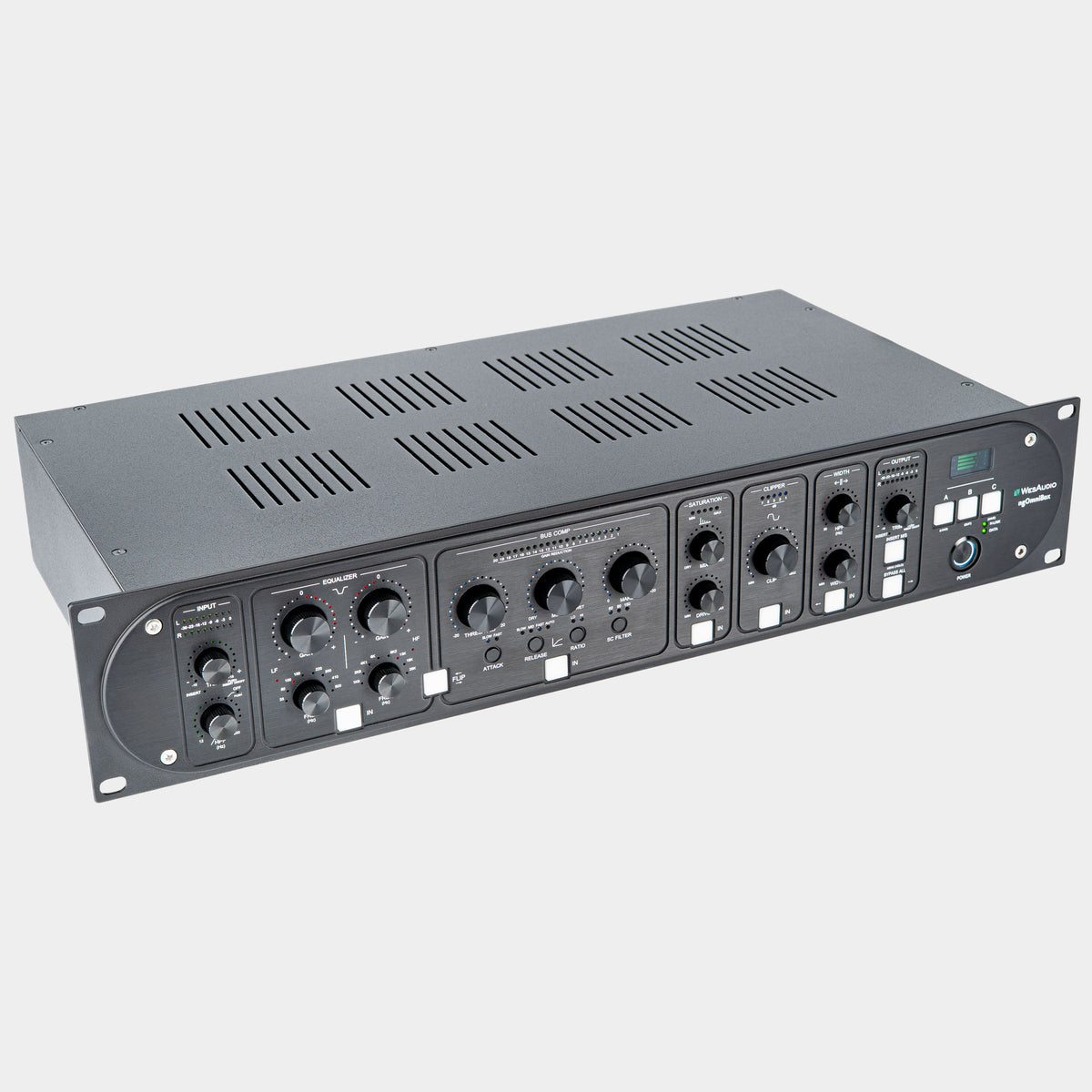
The WesAudio ngOmniBox combines passive equalisation, stereo bus compression, saturation, clipping and stereo-width control in one fully analogue processor. It gives you the tools to shape tone, bring a mix together, add harmonic character and manage transients, with digital control and recall that fit naturally into a DAW-based studio.
Each processing section can be engaged independently, so you can build the chain around the music. Use gentle EQ and compression on a finished mix, add weight and texture to a drum stem, or work through a more complete mastering chain. Switchable EQ/compressor order and external inserts give you room to experiment, while A/B/C comparison makes it easier to decide which approach actually works.
Start with controlled levels and a cleaner low end
The input section provides stereo level adjustment, an input high-pass filter and metering. Setting the level here determines how hard you feed the processing that follows; removing unwanted subsonic energy can also make it easier to judge bass balance and dynamics.
On a full mix, try starting with conservative filtering and listen to the kick and bass together. On a stem, filtering can be useful for removing energy that belongs elsewhere in the arrangement. The aim is to create space while keeping the weight and movement that make the part work.
Passive EQ for broad tonal shaping
The passive equaliser offers low- and high-frequency bands with frequency selection and gain controls. It is a natural place to make broad decisions about a mix: how much weight it needs, how open the top end should feel, and whether the overall balance supports the vocal and rhythm section.
For example, a small low-frequency adjustment may be enough to give a lean mix more substance, while a gentle high-frequency lift can bring out ambience and detail. Make those decisions in context and compare at a similar listening level, especially when several processing stages are active.
EQ before compression, or compression before EQ?
EQ into compressor: tonal changes reach the compressor first. Boosting part of the spectrum can change what drives the compression, so EQ becomes part of the dynamics decision.
Compressor into EQ: shape the dynamics first, then adjust the tonal balance. This is useful when you want to add weight or brightness after establishing the compressor's behaviour. The ngOmniBox lets you switch between these two orders without repatching.
Bus compression with parallel blending
The compressor combines threshold, make-up gain and dry/wet Mix controls with selectable attack, release, ratio and side-chain filtering. Gain-reduction metering helps you see how much work it is doing.
Attack and release are central to the feel of bus compression. A slower attack can let more of the initial hit through; a faster attack can bring it under tighter control. Release affects how the compression recovers between hits and phrases. Listen for the setting that supports the groove, rather than choosing a target amount of gain reduction alone.
The Mix control lets you blend compressed and uncompressed signal within the section. This is particularly useful when you like the density of stronger compression but want to retain more of the original attack. Side-chain filtering changes how strongly low frequencies influence the detector, helping you explore compression that is less dominated by kick and bass.
Saturation: add texture in the amount you need
A separate analogue saturation circuit provides Drive and Mix controls. Drive sets the intensity of the effect, while Mix lets you blend that character with the unprocessed signal. You can work on harmonic texture independently of the compressor and EQ.
On a drum or instrument stem, try increasing Drive until the colour is obvious, then reducing Mix until it supports the source. On a full mix, smaller changes may be more appropriate. Listen to cymbals, vocal consonants and low-end definition as well as the extra density: those details help reveal when the processing has gone far enough.
Analogue clipping for deliberate peak shaping
The dedicated clipper gives you another way to shape transients, independently of saturation and bus compression. It can be used to trim prominent peaks and contribute to a denser result.
Clipping is most useful when treated as a listening decision. Bring it in gradually and compare the impact of the drums, the clarity of vocals and the texture of sustained sounds. A small amount may tame occasional peaks; pushing harder becomes a more audible creative choice. The section can be bypassed when the original transients already work.
Shape the stereo image while managing the bass
The width section combines stereo-width adjustment with a dedicated high-pass filter for the Side signal. In Mid/Side terms, the Mid contains the information common to left and right, while the Side represents their difference. Filtering low frequencies in the Side signal reduces low-end stereo information and can help concentrate the bass towards the centre.
This gives you a useful way to assess spaciousness and low-end focus separately. Try a restrained width adjustment, then check the relationship between the central vocal, kick and bass and the sounds around them. On wide synths, reverbs or layered guitars, a more focused bottom end may leave more room for the rhythm section.
Bring your existing outboard into the chain
Dedicated input and output inserts let the ngOmniBox work alongside other analogue equipment. The output insert supports both stereo and Mid/Side operation, opening up different ways to use a suitable external processor.
For example, Mid/Side processing can let you treat central information differently from the surrounding ambience. With an appropriate two-channel processor, you could explore different tonal adjustments for the Mid and Side paths. The result depends on the connected hardware and settings; the ngOmniBox provides the routing that makes this approach possible.
Adjustable output level and output metering help you set the final level after processing. This is also useful when comparing different chains: matching their output levels makes it easier to hear changes in tone, dynamics and space without being distracted by a louder result.
Analogue sound, saved with your session
The dedicated plug-in provides control, recall and DAW automation of the hardware's analogue parameters. You can work from the rack or the screen and return to a session with its processing settings available to recall. USB and Ethernet provide the control connections.
For a studio handling revisions, this changes the practical side of using outboard. You can revisit a previous mix, compare an alternate treatment or automate a change within the session without rebuilding the entire setup from handwritten notes. Any external equipment connected through the inserts still follows its own recall arrangements.
The front-panel LCD provides parameter feedback, and A/B/C comparison gives you three settings to evaluate. One useful approach is to keep a restrained treatment in A, a more assertive version in B and an alternative EQ/compressor order in C, then compare them at similar output levels.
How it fits into a hybrid studio
Route a stereo signal from your audio interface's line outputs into the ngOmniBox, then return its analogue outputs to a pair of line inputs for monitoring or recording. Connect USB or Ethernet for software control. The audio travels through the analogue connections; the plug-in controls the hardware.
That makes the ngOmniBox equally relevant as a dedicated stereo-bus processor or as hardware you patch in when printing stems. Start with the sections bypassed, establish sensible input and return levels, then add only the processing that improves the material. Once you have a sound you like, the recall system makes it practical to use that analogue chain again across sessions and revisions.
Product information
Essential details
- Weight
- 7.5kg
- Dimensions
- 55 cm × 38 cm × 27 cm
- Warranty
- 2 Years