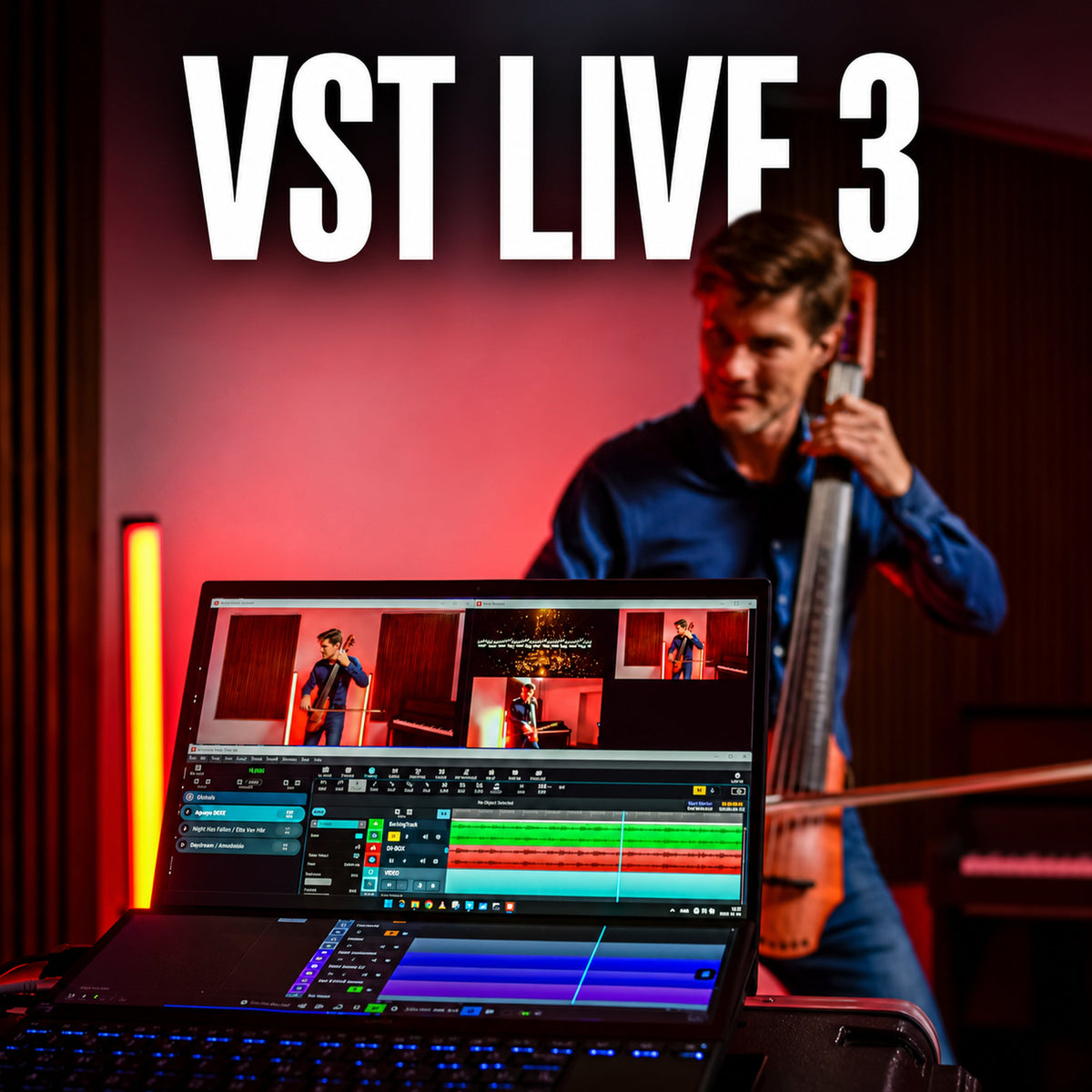
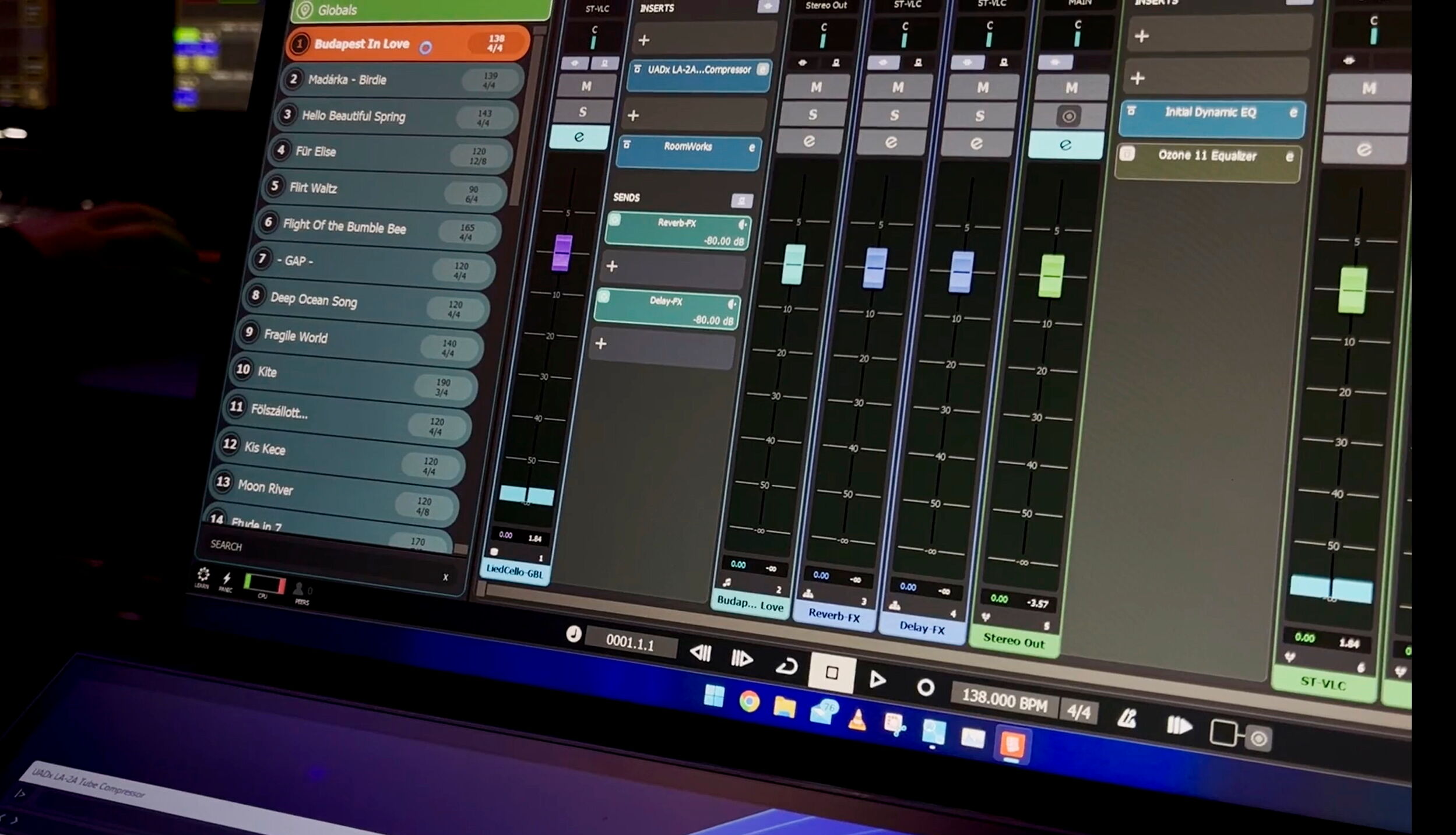
In your workflow
Prepare the set before you step on stage.
A live performance involves more than starting a backing track. VST Live lets you prepare songs, instruments and supporting media as one show, then organise the set around the performance. Lyrics, chords, lighting and video can follow the music, helping the technical parts of the production support what happens on stage.
01 / CREATE
Live instruments and backing tracks
Bring live instruments and prepared tracks into the performance.
02 / SHAPE
Songs and set-list preparation
Organise material around songs and the running order.
03 / FINISH
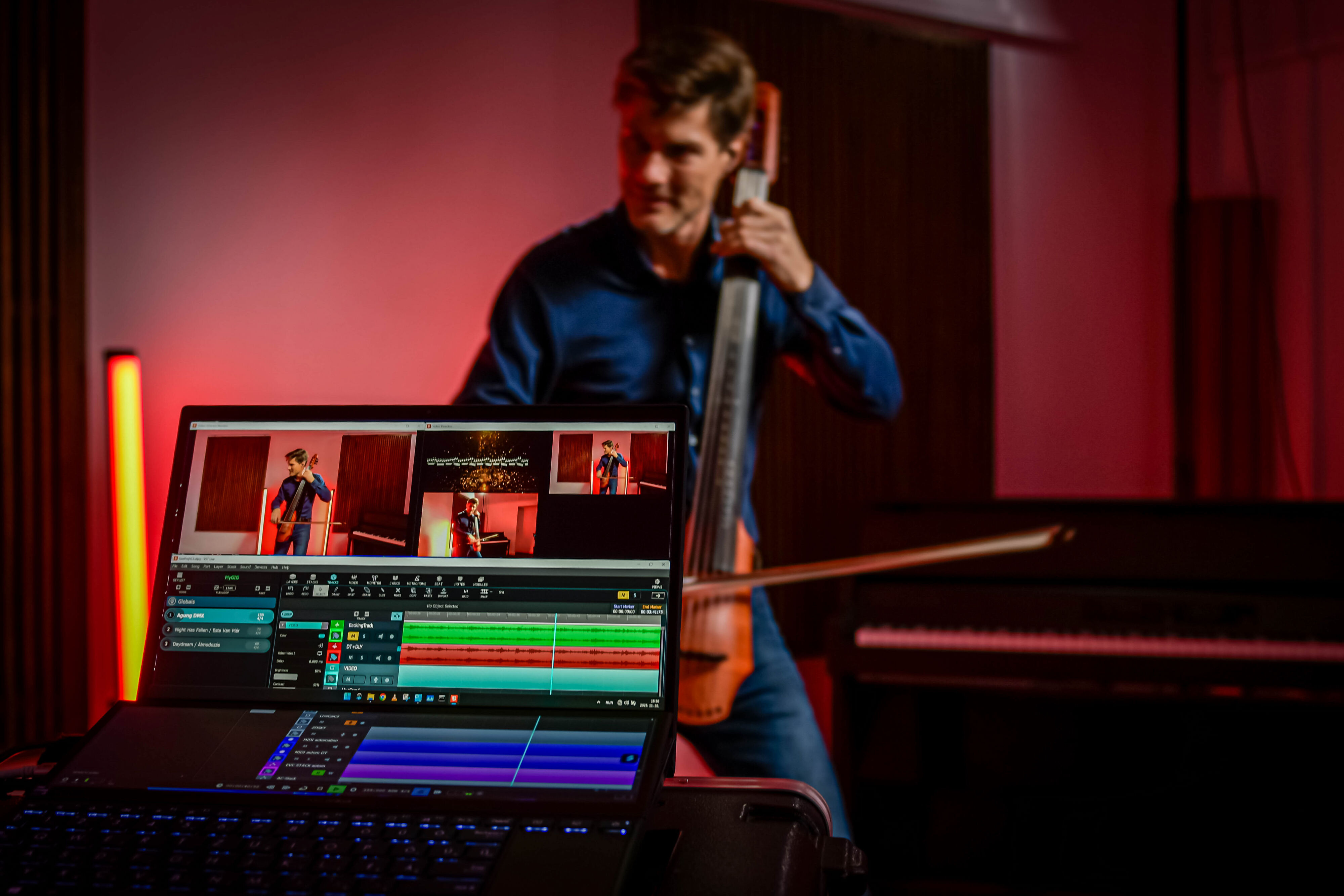
Synchronised lyrics, lighting and video
Coordinate the show's supporting media with the music.
What is included
The product behind the licence.
- VST Live 3 software licence
- Download and installation access for the licensed product
A digital software purchase. Licence details are supplied electronically for registration and download.
Choose your licence
Choose the licence that fits your purchase.
The full licence is selected by default. Choose an update, upgrade or crossgrade only if you own the exact qualifying product and version shown. The explanation and confirmation box update with your selection.
- Full licence — no previous licence for this product is required.
- Update from VST Live 2 — requires a valid qualifying licence.
- Update from VST Live 1 — requires a valid qualifying licence.
- Competitive crossgrade — requires a valid qualifying licence.
For updates, upgrades and crossgrades, select your existing product and version in the licence check. If your licence is not listed or you are unsure, contact SX Pro before ordering. Competitive crossgrades require proof of ownership.
Supplied electronically as a software licence for registration and download. No physical product is shipped. Check Steinberg’s current system requirements before ordering.
Key specifications
The practical details.
- Product
- VST Live 3
- Application
- Live performance software
- Delivery
- Electronic licence and download
- Physical shipment
- None
- Licence selection
- Full licence, updates, upgrades and crossgrades as shown in the licence selector
- Licence term
- Perpetual licence for the purchased version
- Compatibility
- Check the current manufacturer system requirements
Manufacturer imagery illustrates the software workflow. Computers, instruments, controllers and other studio equipment shown are not included.