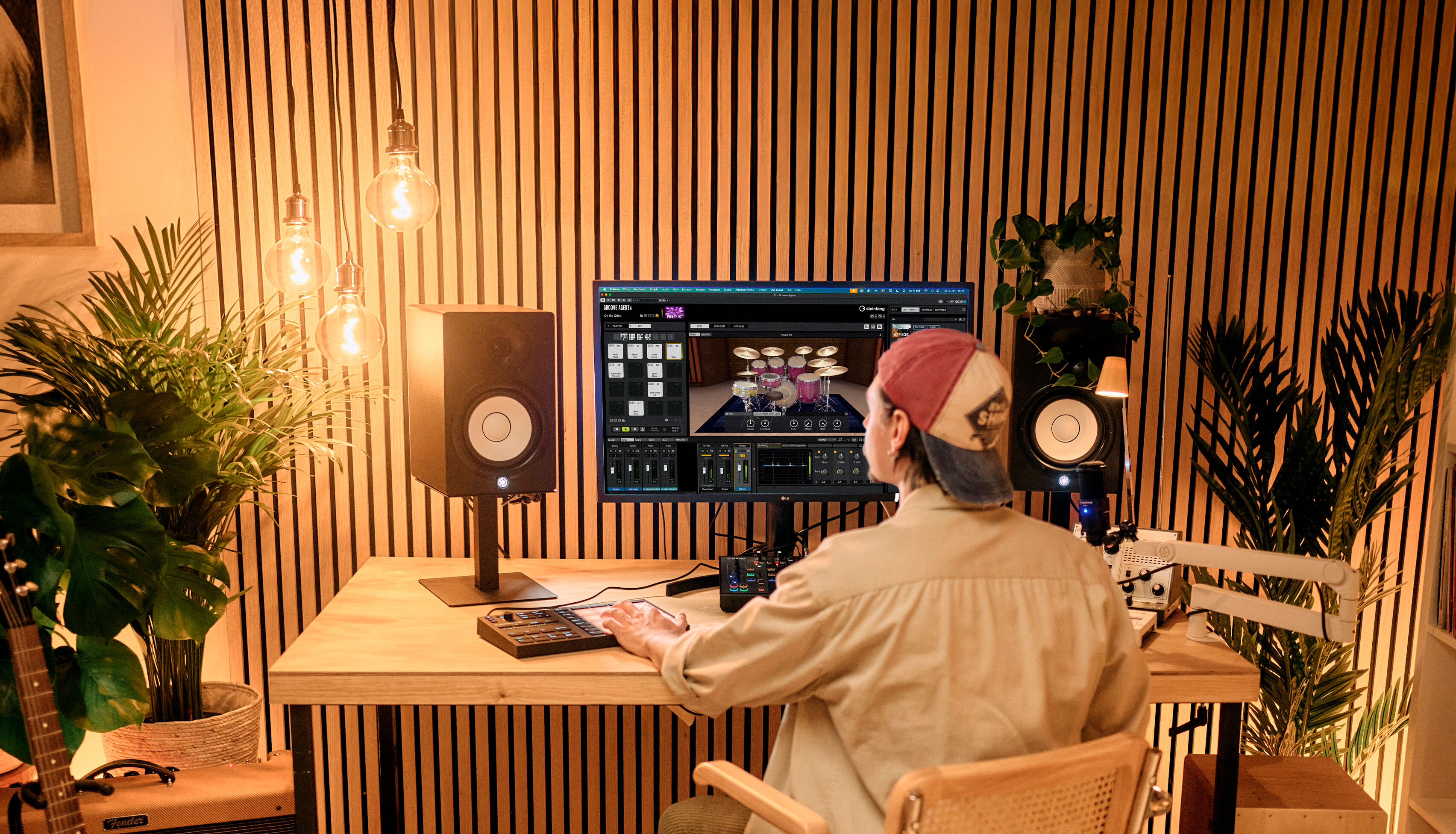
In your workflow
Build the performance, then shape the kit.
Start with an acoustic performance or an electronic pattern, then develop the groove around the song. Groove Agent puts the playing feel and the drum sound in the same workflow: choose a kit, work on the pattern and adjust the balance until the rhythm sits naturally with the arrangement.
01 / CREATE
Acoustic and electronic drum production
Move from natural drum performances to electronic beats without changing instruments.
02 / SHAPE
Pattern editing and MIDI grooves
Use MIDI grooves as a starting point, then edit the part around your music.
03 / FINISH
Kit mixing and sound shaping
Shape the individual sounds and the overall balance before the kit reaches your mix.
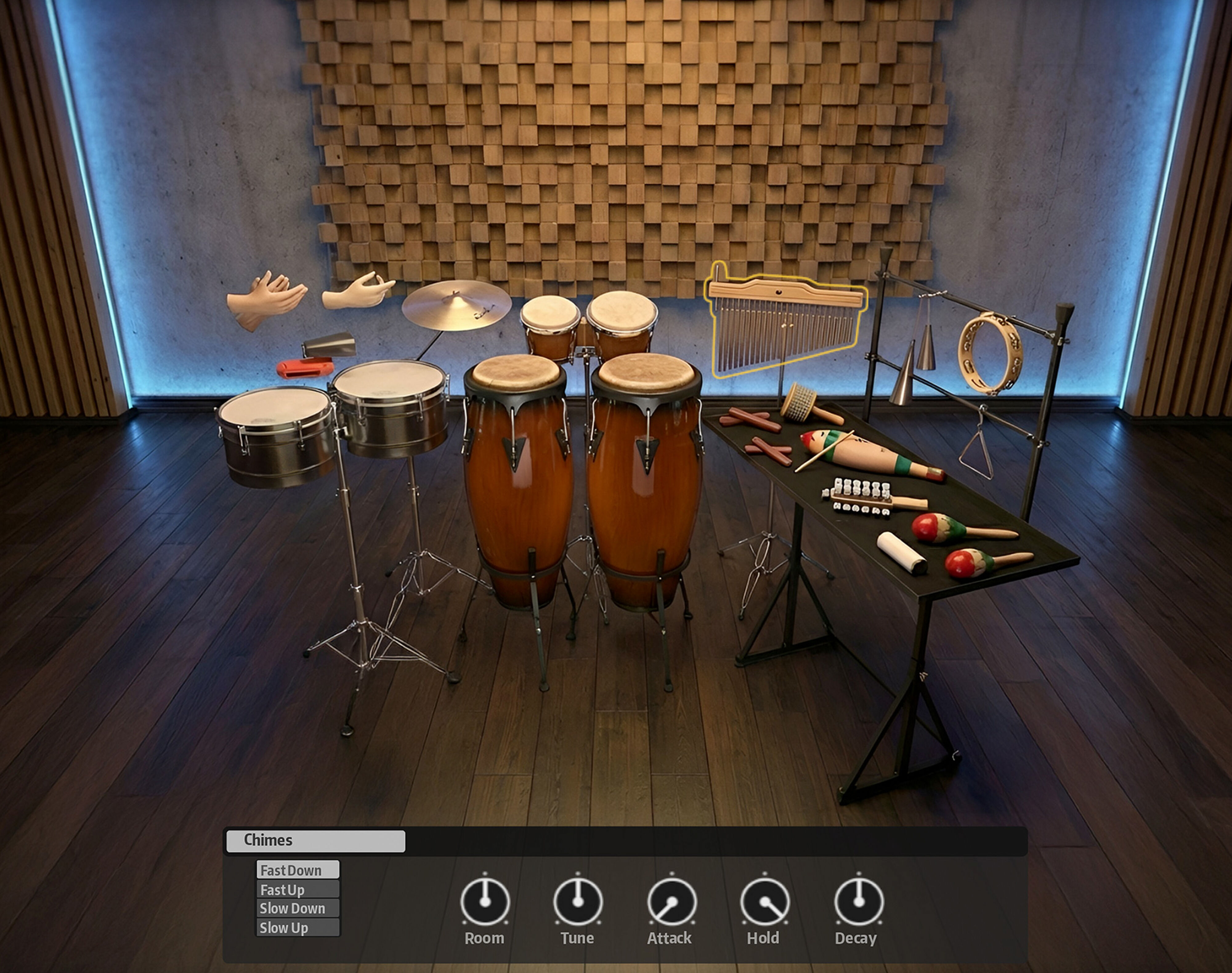
What is included
The product behind the licence.
- Groove Agent 6 software licence
- Download and installation access for the licensed product
A digital software purchase. Licence details are supplied electronically for registration and download.
Your software licence
Choose the licence that fits your purchase.
The full licence is selected by default. Choose an update, upgrade or crossgrade only if you own the exact qualifying product and version shown. The explanation and confirmation box update with your selection.
- Full licence — no previous licence for this product is required.
- Update from Groove Agent 5 — requires a valid qualifying licence.
For updates, upgrades and crossgrades, select your existing product and version in the licence check. If your licence is not listed or you are unsure, contact SX Pro before ordering. Competitive crossgrades require proof of ownership.
Supplied electronically as a software licence for registration and download. No physical product is shipped. Check Steinberg’s current system requirements before ordering.
Key specifications
The practical details.
- Product
- Groove Agent 6
- Application
- Drum instrument
- Delivery
- Electronic licence and download
- Physical shipment
- None
- Licence type
- Select the full licence or an eligible upgrade/crossgrade option
- Licence term
- Perpetual licence for the purchased version
- Compatibility
- Check the current manufacturer system requirements
Manufacturer imagery illustrates the software workflow. Computers, instruments, controllers and other studio equipment shown are not included.