
iZotope
iZotope Photon


Omni Capital Finance Calculator
Choose options
Omni Capital Finance Calculator
Omni Capital Finance Calculator
Product overview
iZotope Photon · Stem separation & audio enhancement
Bring the sound you want into focus.
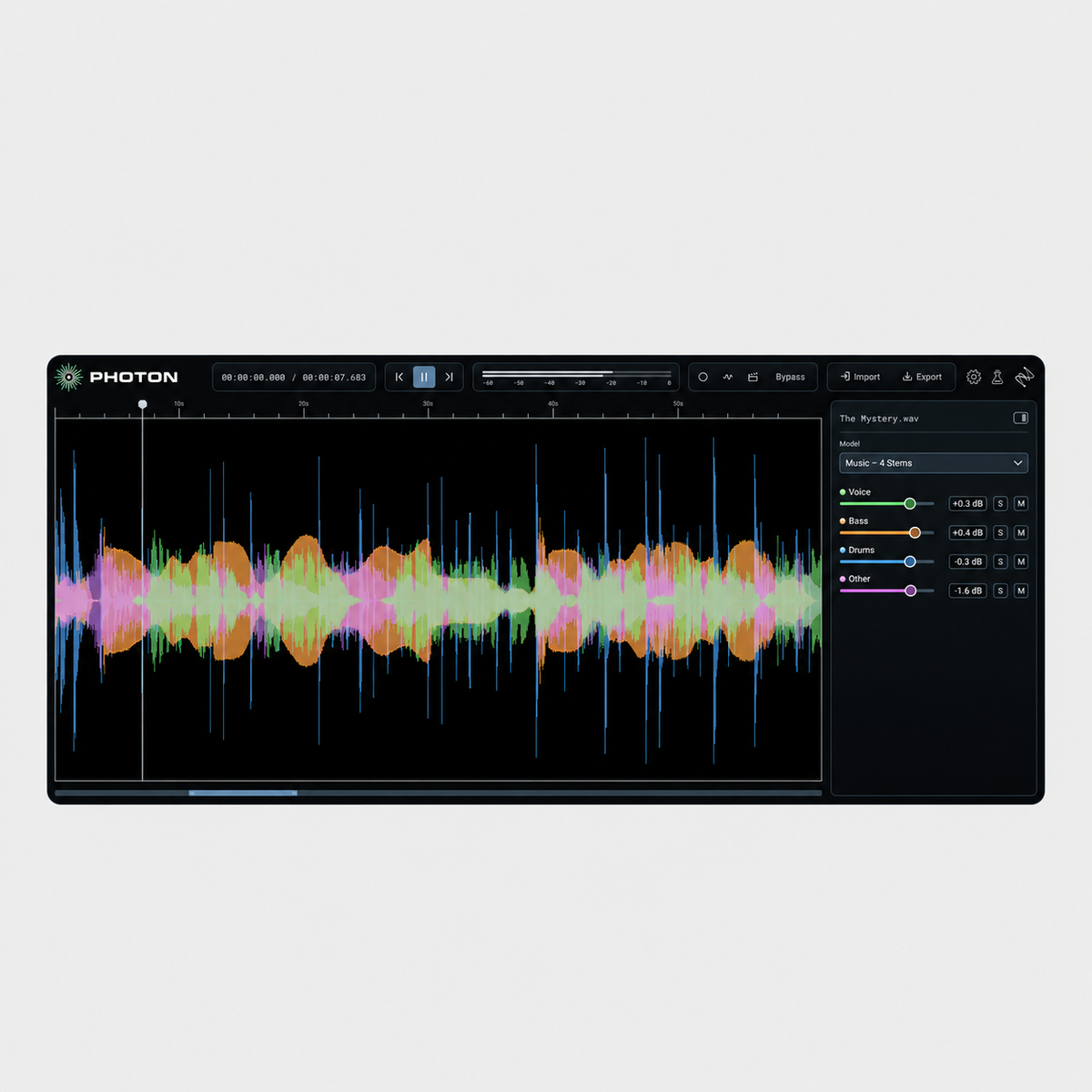
A vocal worth revisiting. A conversation worth hearing. A mix with more to give. Photon helps you reach inside a recording and work with its individual parts, using specialist AI to separate stems, reduce distractions and restore clarity.
Music & stem separation
Give a finished mix a new direction.
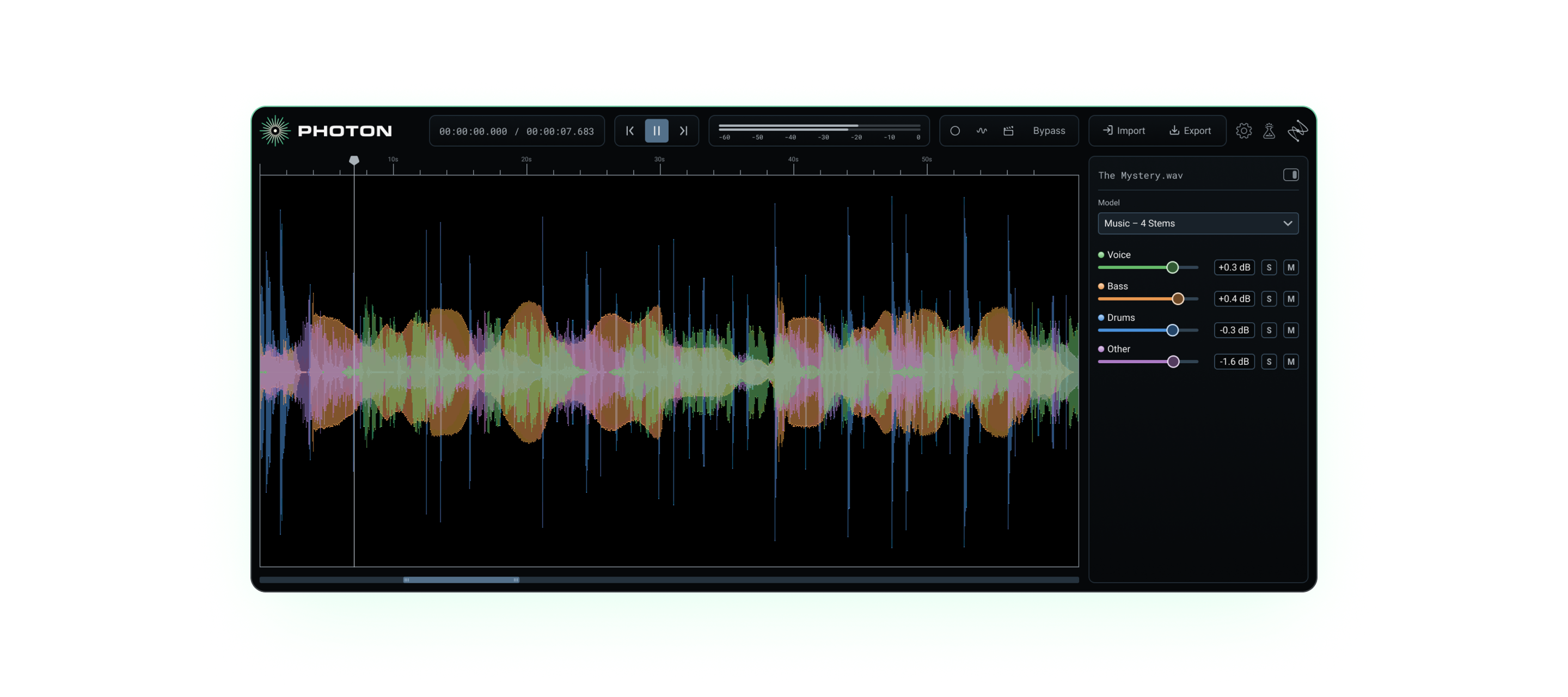
Rebalance a vocal, explore a remix or reshape a drum part when the original session is unavailable. Music 4 Stems separates vocals, drums, bass and the remaining instruments, with an Ultra model for more detailed separation. Drums 5 Stems goes further into the kit, giving you kick, snare, hi-hat, toms and cymbals to work with.
Dialogue
Give every voice its own space.
Interviews and panel recordings can leave several people sharing one audio file. Voice Separator extracts up to six speakers into individual stems, alongside room tone and background sound, so you can adjust the conversation with greater control.
Sound for picture
Rework the soundtrack. Keep the picture.
Cinema 4 Stems separates dialogue, music, effects and other audio. Bring a video into Photon, refine its soundtrack and export with the original picture stream preserved. It is a useful route back into material when only the finished edit is available.
Noise reduction & voice restoration
Let the recording speak for itself.
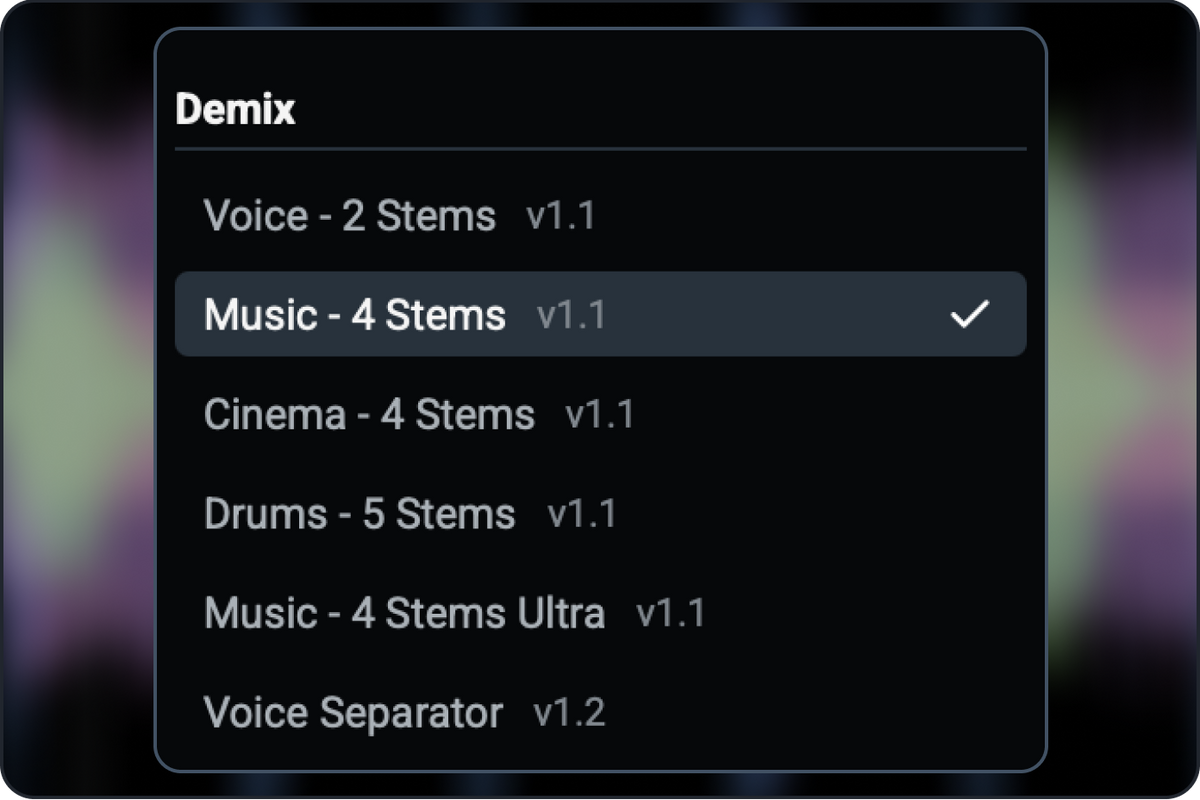
Wind, traffic and reverberant rooms can pull attention away from a performance. Photon provides dedicated indoor and outdoor models, including options for traffic, wind and particularly noisy interiors. Voice Restore addresses speech clarity, uneven levels, microphone tone and echo. Preview the result and adjust the strength to suit the recording.
From source to delivery
Keep your session moving.
Open a file in the standalone app, or use Photon within a compatible ARA2 host. Preview processing from the point you choose, compare your settings and export WAV, FLAC or MP3 audio. Model Manager lets you download additional models as they become available.
Your recordings stay on your computer. Photon’s AI runs on your own GPU, making it a practical choice for unreleased music and confidential client material.
Choose your licence
All five choices provide Photon. Crossgrades are discounted licences for owners of the qualifying product shown below; they are not standalone full-price licences. Select Full Licence if you do not own a qualifying product.
| Licence choice | Existing licence required |
|---|---|
| Full Licence | No previous iZotope purchase required. |
| Crossgrade from any paid iZotope product | An eligible paid iZotope product. |
| Crossgrade from RX Elements | An eligible RX Elements licence. |
| Crossgrade from RX Standard | An eligible RX Standard licence. |
| Crossgrade from RX Advanced | An eligible RX Advanced licence. |
System requirements
- Mac: macOS 14 or later; Apple silicon M1 or later.
- Windows: Windows 10 or later, 64-bit; Intel Core i5 (5th generation or better); GPU with at least 4 GB VRAM.
- Memory: 8 GB minimum; 16 GB recommended.
- Storage: 10 GB or more free space recommended.
- Plug-in: ARA2 host support required for DAW integration; standalone operation also available.
- Internet access is required for Model Manager downloads.
Check the manufacturer’s current requirements before purchase.
Digital delivery and installation
Your software licence is delivered electronically. Photon installs and activates through Boris FX Hub. Follow the supplied licence instructions and the official activation guide.